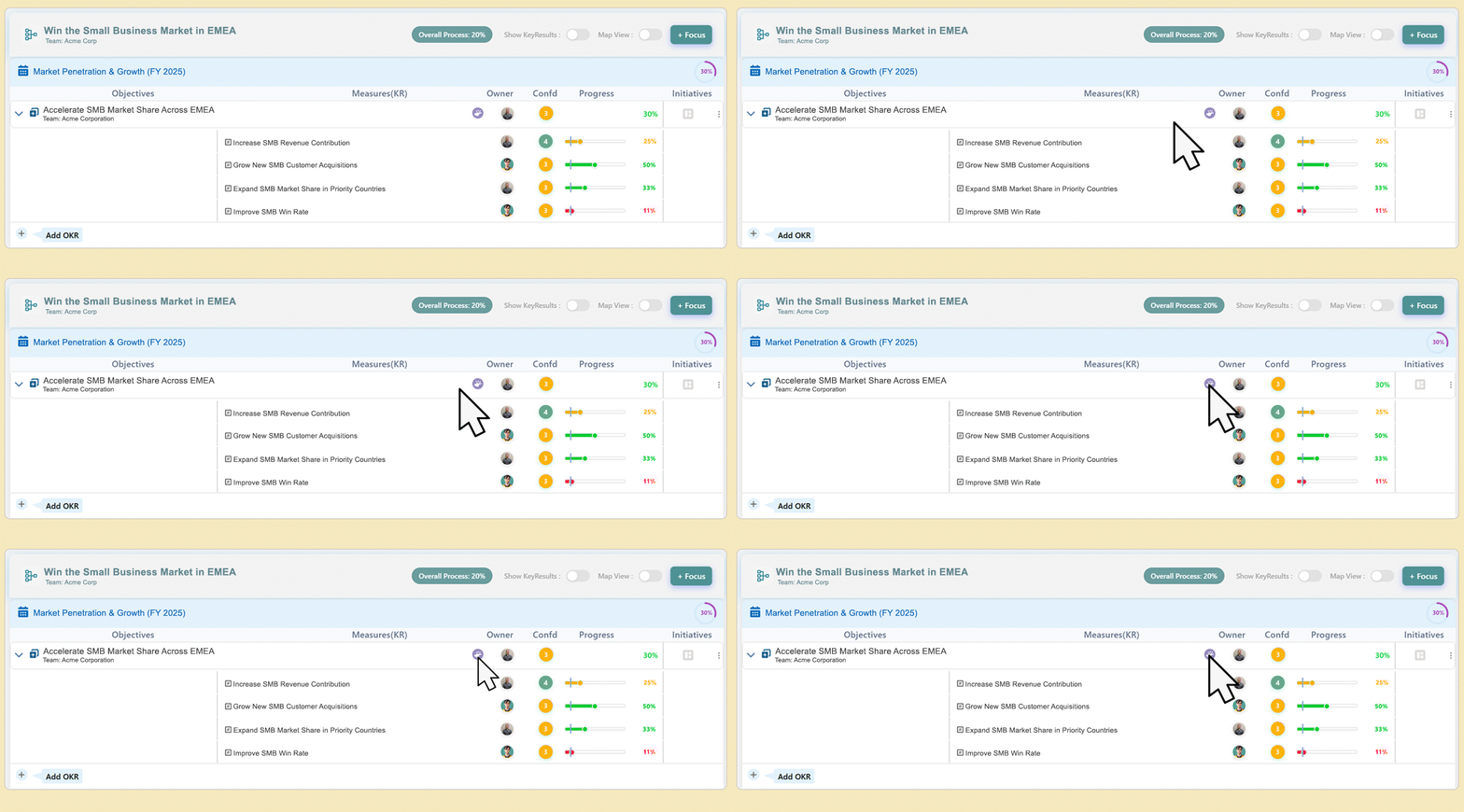
To manage potential challenges that could impact your Objective, you can add a Risk directly from the Objective view.
1. Add a Risk
To add a risk, click the Risk icon located next to the Objective.
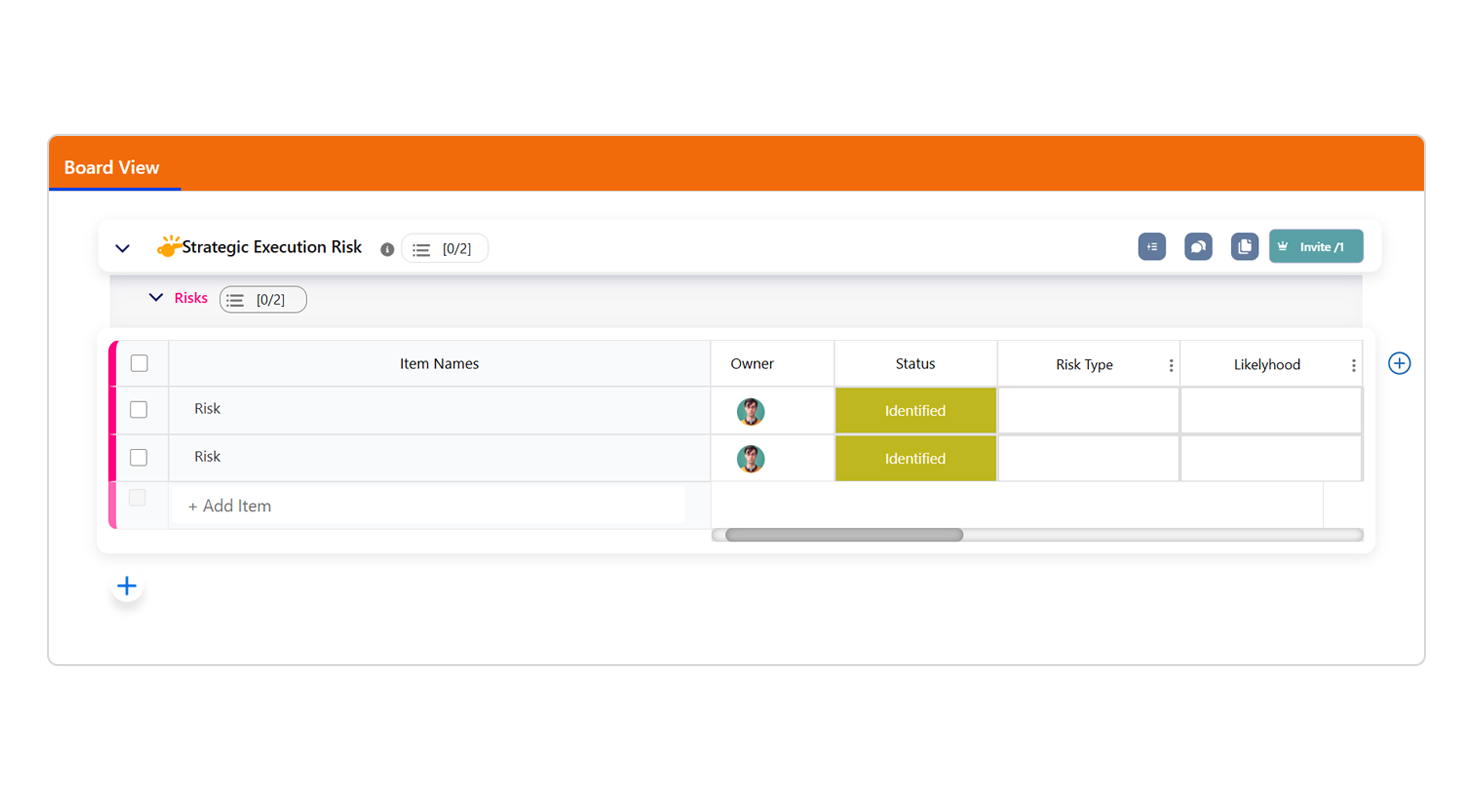
This action will automatically create a Risk Board for the Objective, with one default risk item added.
2. Edit and Manage Risk Items
You can add multiple risk items to identify different potential issues or obstacles. For each risk item, you can:
Edit the description to clearly define the potential risk.
Assign an owner responsible for monitoring and mitigating the risk.
Update the status to track progress as mitigation steps are taken.
3. Purpose of Defining Risks
Identifying and tracking risks early helps teams anticipate challenges, take proactive actions, and ensure smoother progress toward achieving the Objective.
 click the Risk icon located next to the Objective.