Add a Child Objective
Add a Child Objective
To create a hierarchy of objectives within a Focus Area, you can add Child Objectives under a main objective.
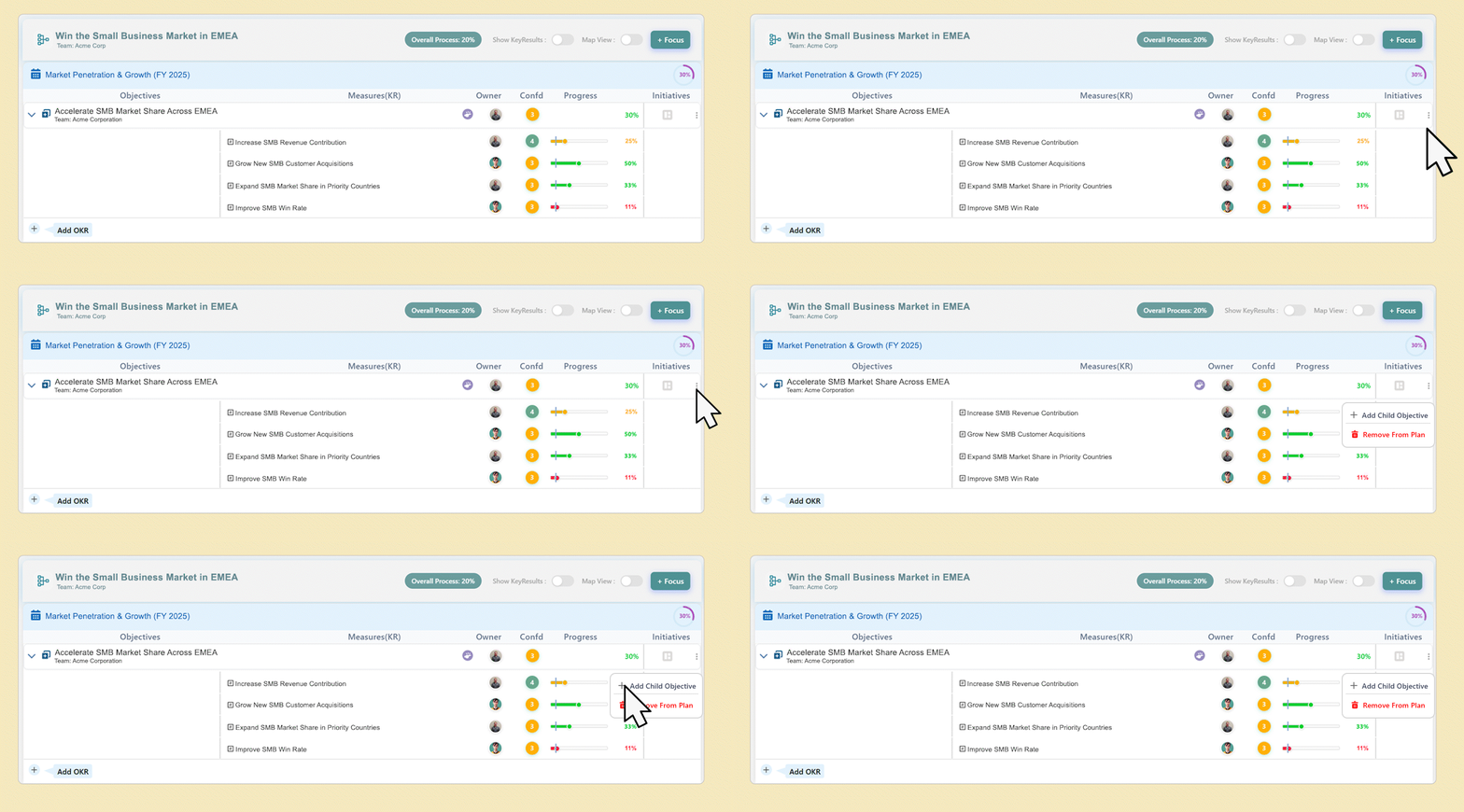
- Go to your Focus Area and locate the main objective.
- Click the menu (⋮) icon next to the objective.
- Select “Add Child Objective” from the menu options.
- Enter the details for your child objective and save.
You can add up to two levels of child objectives under a main objective.
This structure allows you to visualize the relationship between objectives in the Map View, providing a clear picture of how each objective contributes to the overall focus area.
