Creating a Focus Area (Strategic Pillar)
Focus Areas are the core strategic themes that define where your organization will focus its efforts within a Strategic Plan. Each Focus Area represents a key priority that supports your long-term goals and vision.
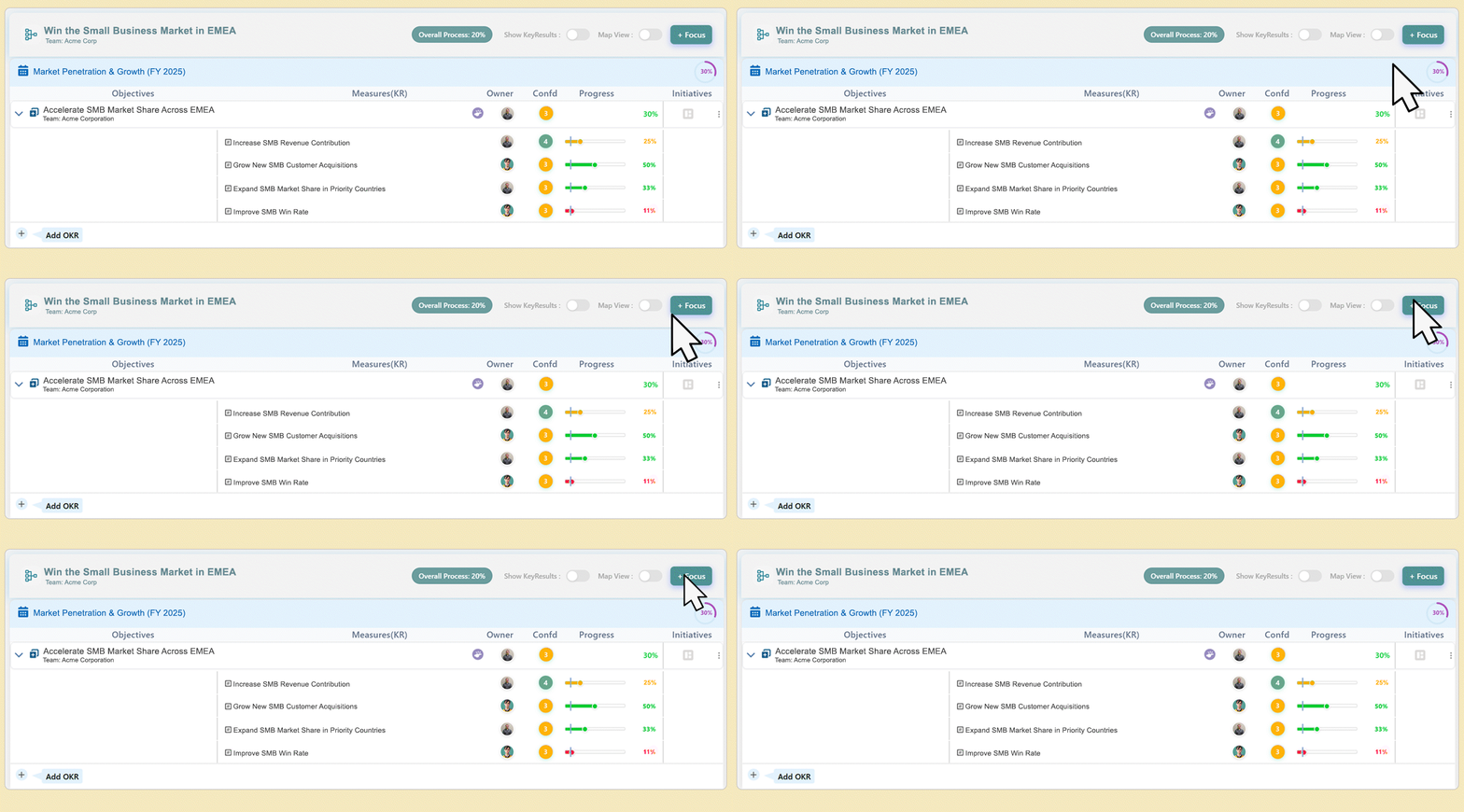
Step 1: Define the Focus Area
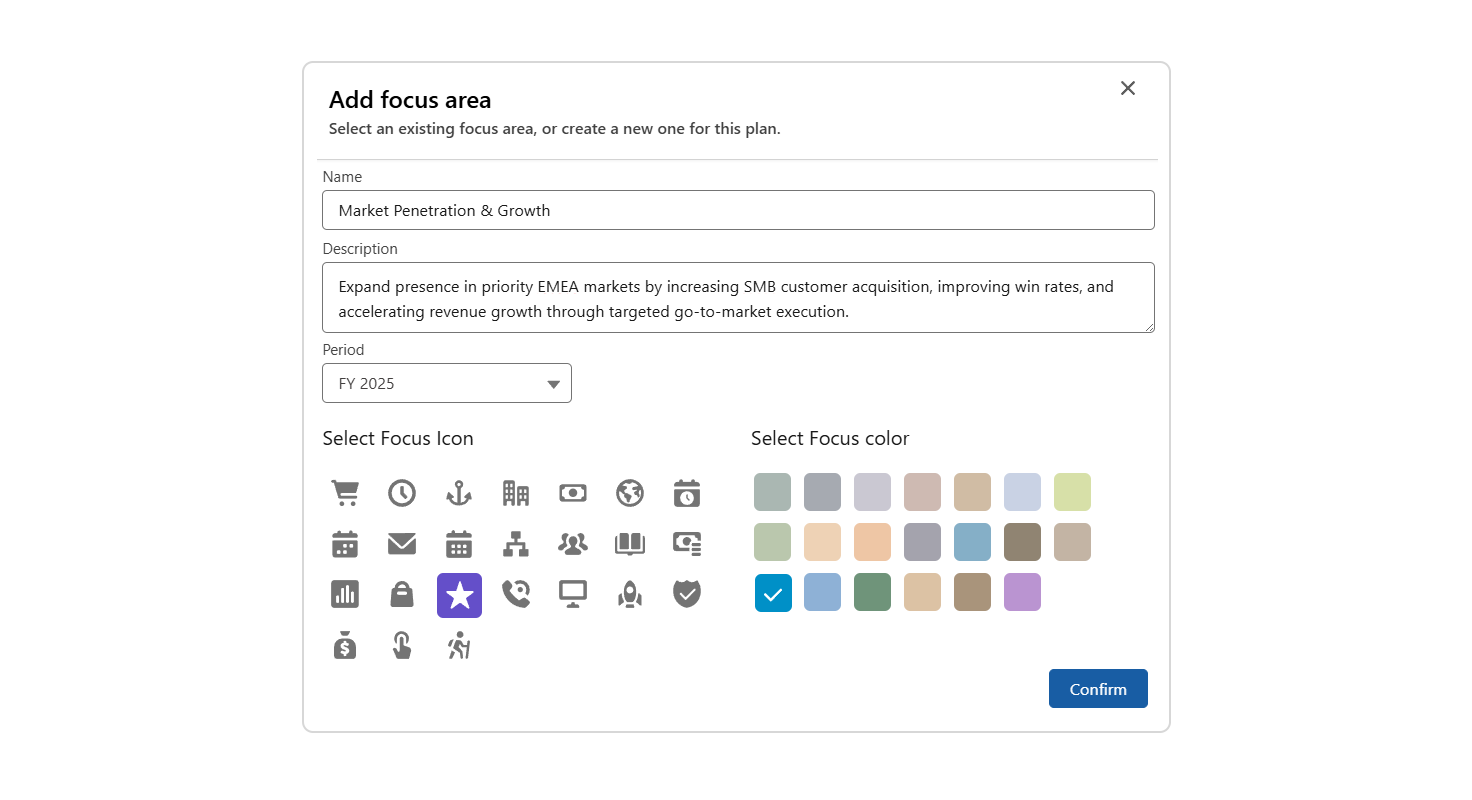
Name (Required)
Enter a short, descriptive title for the Focus Area.
Best Practice: Use a concise phrase (3–6 words) that is memorable and clear.
Description (Optional)
Add a brief explanation of what this Focus Area covers and how it connects to the overall Strategic Plan.
Owners (Required)
Select the individual(s) accountable for the success of all goals and initiatives under this Focus Area.
Best Practice: Assign one or two senior leaders to maintain clear accountability.
Step 2: Set the Time and Visuals
Select Period
Period (Required)
Choose the timeframe for the Focus Area. The system automatically defaults to the Current Period or Current FY based on your organization’s settings.
You can change it to any period in Current Period, Current FY, Future Period, or Future FY status.
Select Focus Icon
Focus Icon (Required)
Choose an icon from the system library that best represents your Focus Area.
Best Practice: Use simple, intuitive icons in a consistent style (e.g., all solid or all outline).
Select Focus Color
Focus Color (Required)
Pick a color from your organization’s palette to visually represent this Focus Area.
Best Practice: Assign a unique color to each Focus Area to make dashboards and reports
Step 3: Finalize and Align
Once your Focus Area is created, link all related Objectives (Goals) and Key Initiatives to it.
This ensures alignment between day-to-day activities and the overall Strategic Plan.
