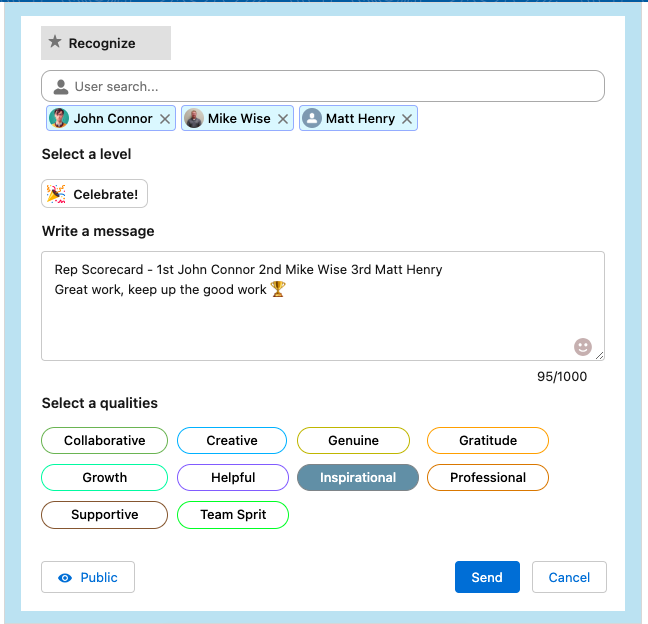
Motivating employees and acknowledging their accomplishments is crucial. The Recognition feature within OKRify empowers managers to acknowledge standout performers.
Scorecard owners possess the ability to create recognitions directly from the Scorecard. To initiate recognition for a Scorecard, kindly refer to the following steps:
1. As Scorecard Owner, Click Leaderboard  for Scorecard
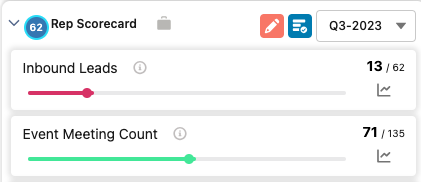
2. Click Recognition button  to recognize Scorecard
3. Select the number of places to recognize in the Scorecard and click Create.